


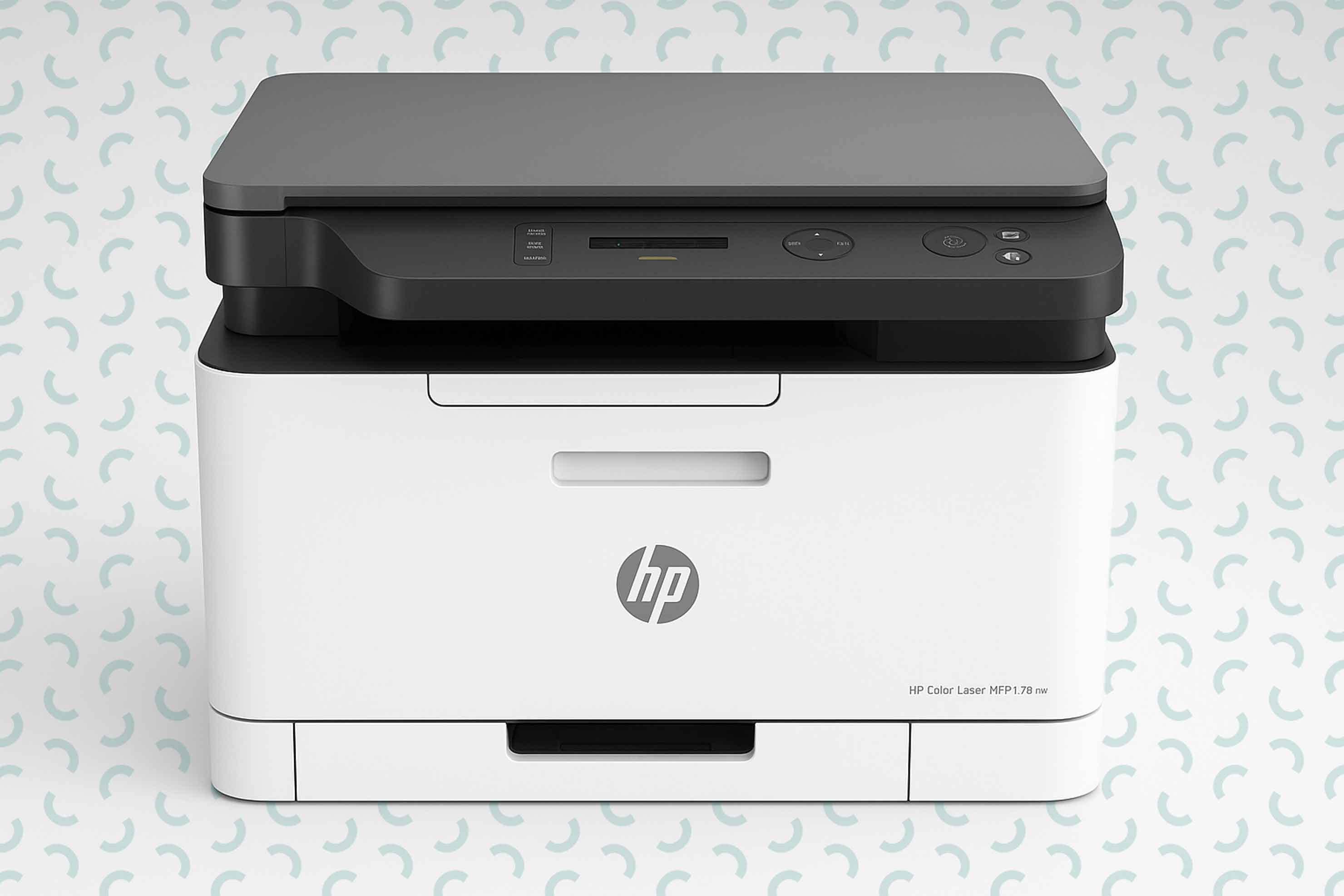
 13.11.2025
Armine Badalyan
13.11.2025
Armine Badalyan
Features of laser printers
The printing industry has come a long way, from pens to printers. Today, the laser printer has become the key printing device: monochrome or color printing, exceptional speed, clear images and low running costs. This technology has changed the working environment. Below we will present what characteristics to choose a laser printer with.
Print Format
Most printers on the market support the A4 (21 x 29.7 cm) size, which is suitable for both home and office use. The A3 (29.7 x 42 cm) size is mainly used for diagrams and large graphics. Devices that support this format are significantly more expensive.
Black and white print resolution
When comparing printer resolutions, it is important to remember that laser printers reproduce halftones significantly worse than inkjet printers. If you plan to print only black and white graphs, diagrams, text and images, this disadvantage will not be noticeable. When the image contains halftone gradations, printing on a device with a resolution of 600x600 dpi is significantly different from similar printing on an inkjet printer with a resolution of 600x600 dpi. If you plan to use the printer only for printing diagrams and text, then a resolution of 600x600 dpi is suitable. For printing black and white photos, look for a device with a resolution of 1200x1200 dpi. At this resolution, the “noise” in halftone gradations is less noticeable.
Color printing resolution
Printing halftone color photos with a resolution of 600x600 dpi with laser printers is impractical, since the image lacks sharpness and is divided into many colored dots. To achieve higher print clarity, choose a device with a resolution of at least 1200x1200 dpi.
Print speed
This criterion is important when printing a large number of documents. For home use, a printer with a print speed of 12-20 pages per minute is sufficient. For office use, consider a more powerful device that prints 40 to 60 pages per minute. The most efficient devices work at a speed of 80 pages per minute.
The small size of the sheet used for printing contributes to the increase in speed. Print speed varies between color and black-and-white printers; black-and-white materials will take less time to print. Some laser models have automatic two-sided printing. This feature saves paper and is useful when printing brochures.
Print brightness
Before buying a color laser printer, you should consider several factors. These devices are significantly more expensive than black-and-white printers, and the print quality is always inferior to an inkjet printer. Color laser printers also have their advantages.
The cost of color printing is lower than the cost of inkjet printing if purchased without a chip (Many modern printers have a chip installed in the cartridges or in the toner module, which monitors the number of printed pages, the level of ink or toner and allows or prohibits printing depending on the contents of the cartridge. If you choose devices with a chip, you will need to buy new cartridges, as they cannot be refilled. To determine if your model is equipped with a chip, check the printer description).
They have a long service life if regularly serviced.
If you need to quickly print large amounts of color materials, a laser printer is an excellent option.
The life of the cartridges depends on the model of the device, the volume of printing and the complexity of the printed materials. A standard cartridge prints 1,500-3,000 pages.
Duty cycle
This characteristic indicates the maximum load that the printer can withstand.
For home use, a model with a monthly printing capacity of 3,000 to 10,000 pages is suitable.
For office use, it is better to purchase a printer with a monthly printing capacity of 15,000 to 40,000 pages.
Printing companies need a printer that can process at least 50,000 pages per month.
Multifunctionality
If you need additional features, such as wireless connectivity, copying, scanning, and faxing capabilities, then purchase a laser multifunction printer. Such models can scan documents, creating electronic files (PDF, JPEG, TIFF) directly to a computer or USB flash drive. USB is the most common connection method. It uses the Type-B standard, which is used for printers and other peripherals.
Some modern models are equipped with a memory card slot. Displaying information on the printer screen makes it much easier to navigate the folders on a flash drive or memory card.
Wi-Fi is more suitable for home use. The printer can be placed anywhere and printed directly from mobile devices. When choosing a model, it is important to check its compatibility with your devices and whether the printer supports mobile printing.
Ethernet is a convenient way to make the device part of the office local network. Modern laser printers have an NFC module that allows you to simply touch your device to the printer to quickly send the print material. This function is also supported by various mobile applications. Google Cloud Print for Android mobile devices and AirPrint for Apple devices. Each brand offers its own mobile printing technology, which can be activated by downloading a special application to your device.
Last news
-
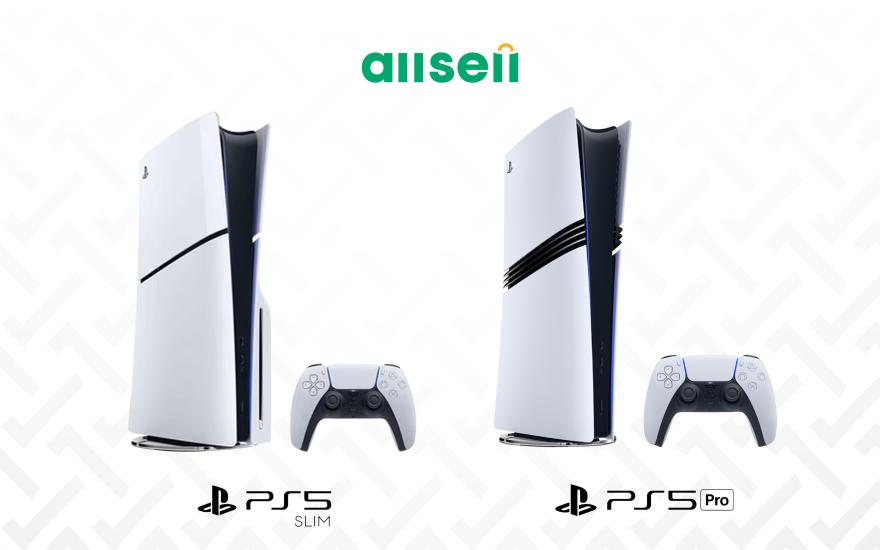 06.10.2025
Armine Badalyan
Comparison of all PS5 models
06.10.2025
Armine Badalyan
Comparison of all PS5 models
Are you a fan of digital games, want to buy a Playstation, but aren't sure which model to choose? Read this guide
-
 03.11.2025
Armine Badalyan
How to choose a tablet?
03.11.2025
Armine Badalyan
How to choose a tablet?
Choosing the right model among the variety of tablets is not the easiest task. However, this article can be a guide for you: here is a detailed description of the features of tablets. Read more...
-
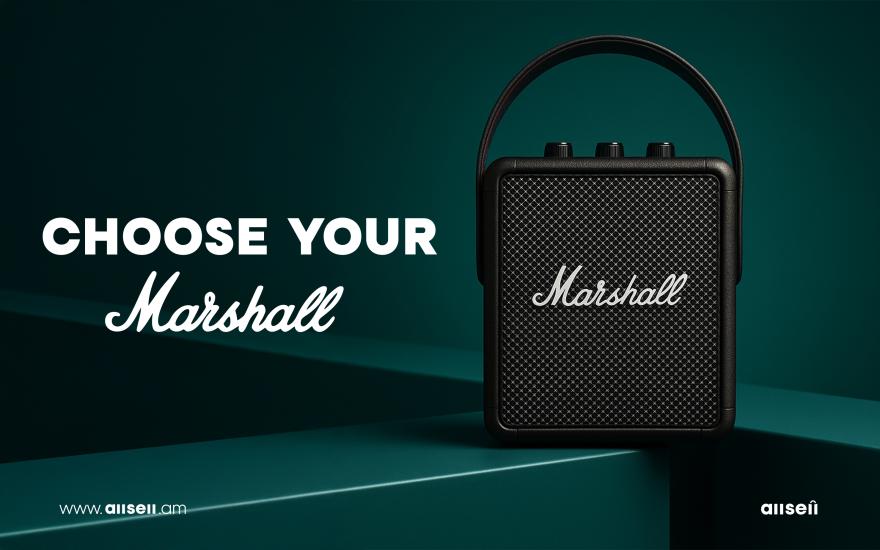 12.09.2025
Armine Badalyan
Marshall speakers: classic design, powerful sound
12.09.2025
Armine Badalyan
Marshall speakers: classic design, powerful sound
The legendary Marshall speakers seem to be similar, but each one has its own characteristics. Different generations of Marshall speakers in one place. Read more
-
 16.10.2025
Armine Badalyan
Instax Mini 12: The magic of instant printing
16.10.2025
Armine Badalyan
Instax Mini 12: The magic of instant printing
The Instax Mini 12 camera entices with its instant printing capabilities. It seems like you just press a button and that's it. However, the Mini 12 is quite finicky and has its own set of features. Read more...
-
 21.08.2025
Armine Badalyan
What laptop to choose for graphic design?
21.08.2025
Armine Badalyan
What laptop to choose for graphic design?
To run graphic-demanding programs, you need a laptop with specific characteristics. This guide will help you choose the right option