


 24.11.2025
AllSell
24.11.2025
AllSell
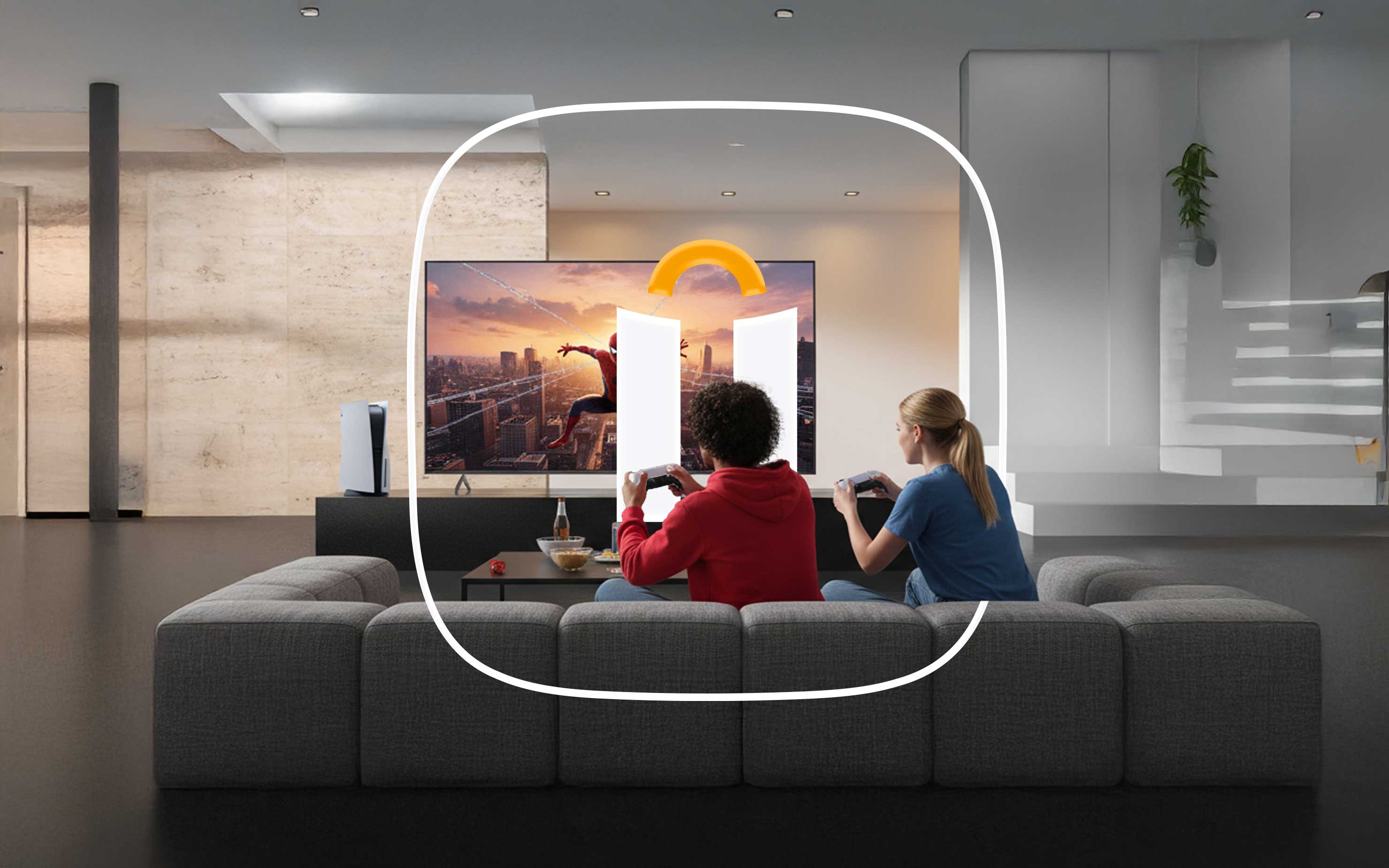
Which TV to choose for PlayStation 5/5 Pro and Xbox Series X/S gaming?
To unleash the power of the PS5/PS5 Pro and Xbox Series X/S gaming systems, you need to choose the right TV. What technical innovations are there in these systems, and why your old TV may not be suitable? Let's find out the main features.
Up to 8K resolution
The PlayStation 5 Pro and Xbox Series X gaming systems support games with a resolution of up to 7680 x 4320 pixels, but with upscaling, as this is a challenge even for the most powerful equipment. However, games with such image clarity are still very rare, so it is not worth striving for this standard. And in TVs, 8K resolution is found only in very expensive models with a screen size of more than 75 inches. In other words, this is a more future-proof solution. Unfortunately, the simplified version of the Xbox Series S lacks this feature. The same applies to the PlayStation 5.
4K 120Hz Mode
The PS5/PS5 Pro and Xbox Series X are the first gaming systems to support 4K displays with a refresh rate of 120Hz (the Series S is limited to 1440p). This is the gold standard that manufacturers are aiming for. However, this image significantly increases the load on the device, so many games currently sacrifice image quality for smoother images. This often means choosing between 4K/60Hz or FHD/120Hz, or accepting a drop in frame rate during intense scenes.
HDR support
HDR (High Dynamic Range) technology provides an expanded dynamic range. It allows the video signal to contain significantly more brightness and color information per pixel. This allows for a richer, more vivid image.
VRR support
Adaptive refresh rate, or variable refresh rate, solves the problem of stuttering when the frame rate on the screen does not match the frame rate output by the GPU. Without VRR, the image may be interrupted. This is especially important for fighting games.
ALLM support
Automatic Low Latency Mode (ALM) detects when a game console is connected to the TV and automatically switches it to game mode. This reduces the delay between the input from the game console and the corresponding action. Like VRR, this technology is based on HDMI 2.1.
Resolution and screen size
Resolution is the number of pixels on a TV screen. The more pixels, the sharper and more detailed the image. When choosing a TV for the PlayStation 5/5 Pro and Xbox Series X, pay attention exclusively to 4K models, also known as UltraHD. For the Xbox Series S, even FHD is suitable if you have a limited budget (1440p devices are not available).
The choice of diagonal size depends on the placement of the TV, the size of the room and your general viewing habits. In general, the larger the screen, the further away you need to sit so as not to shake your head and see the famous pixel “grain”.
To find the minimum viewing distance, multiply the diagonal of the screen by 1.2. For example, if you have a 50-inch TV, you should sit 1.5 meters away from it. For a 55" TV, the distance is 1.7 meters, for a 65" TV, 2 meters, and for a 75" TV, 2.3 meters.
Screen Matrix
IPS: The most common and affordable LED panel. It offers good color reproduction and a contrast ratio of up to 1500:1, but does not have rich black levels, so backlight bleed can be visible in dark scenes. Viewing angles are good, and response times are average.
VA: This LED panel is more expensive, but offers a higher contrast image and deeper black levels. Response times can be higher or lower than IPS, but viewing angles and color reproduction are usually slightly worse.
QLED: A panel technology built on quantum dots with backlighting. They provide a very bright and vibrant image with good viewing angles and accurate whites and blacks. However, as with IPS, backlight bleed can appear in dark scenes.
OLED: The matrix is based on organic dots that do not require a backlight - they are self-illuminating. This means that this panel offers the highest contrast and infinite black levels. The response time is instantaneous, and the brightness and viewing angles are better than IPS. This is a clear winner, but the price is justified.
There are also other matrices that are only found in some TVs. For example, LG's NanoCell or Sony's Triluminos, both of which are based on quantum dots and are not significantly different from QLED.
Backlight type
Backlighting is not relevant for OLED screens, but is important for other screens, as it directly affects the brightness and color of the TV image. Here are the different types of LED backlighting:
Edge LED literally provides backlighting at the edges. In this design, the LEDs are distributed along the edges of the screen, and the back of the screen is covered with a reflective layer. The advantage of this technology is the thinness of the panel, but the disadvantage is backlight leakage, which is clearly visible in dark scenes. Not recommended.
Direct LED is a backlight. In this version, the LEDs are located along the back of the screen, across the entire surface. The colors of this technology are brighter, and the image itself has a higher contrast than in the case of Edge LED. However, Direct LED TVs usually have a higher response time, so playing shooting or racing games on them can be uncomfortable.
Mini LED is a relatively new technology that uses very small LEDs across the entire panel. This allows for more accurate and brighter backlighting, as well as improved contrast. Displays with this panel typically lag behind their OLED counterparts only in response time and viewing angles, but can be very similar in color.
HDR and Dolby Vision support
The aforementioned high dynamic range technology allows for more brightness and color information to be transmitted, which in turn provides better detail in both the darkest and brightest scenes. HDR is an abbreviation for standards-based processing.
HDR10 is a basic dynamic range extension technology with static metadata (uniform for the entire video sequence).
HDR10+ is an enhanced version of HDR10 with dynamic metadata, meaning it changes depending on what’s happening on the screen (LG’s Active HDR is the same).
Dolby Vision is a version of HDR from Dolby Labs that also adjusts brightness, contrast, and color settings for each frame.
HLG (Hybrid Log-Gamma) is an HDR standard used for TV and sports broadcasts. It lags behind HDR10+ and Dolby Vision in terms of detail in bright and dark areas.
At the time of writing, Dolby Vision is only supported by the Xbox Series X/S gaming systems, not the PlayStation 5/5 Pro. The Sony gaming system supports HDR10+. The difference between these technologies is hard to tell, even on the same TV, so either one is a good option.
Screen refresh rate
The Sony PlayStation 5/5 Pro and Xbox Series X/S automatically detect the resolution and refresh rate modes of the connected TV. As we mentioned, the gold standard is 120 Hz for 4K.
The higher the refresh rate, the smoother the motion on the screen. There are now TVs with a frequency of 144 Hz, but in practice they are rarely used for gaming, and the additional cost can be significant.
You’ll often see the phrase “60Hz (DLG 120Hz)” in specs; this artificially increases the refresh rate by refreshing the image two rows of pixels at a time, rather than just one. This improves smoothness, but reduces clarity and introduces artifacts. These algorithms are usually activated when the TV is switched to game mode (like TCL), but they are rarely used because the TV still remains at 60Hz.
Important: 4K TVs with 120Hz displays must have at least one HDMI 2.1 port to support this image. You’ll also need a suitable cable.
Interface
The aforementioned HDMI 2.1 port is essential for modern gaming systems. This port offers a bandwidth of 48 Gb/s. It allows you to use a 120 Hz refresh rate, as well as VRR (Variable Refresh Rate) and ALLM (Auto Low Latency Mode) technologies, which ensure frame rate synchronization and minimize signal lag.
However, if you are not a fan of shooting, fighting or racing games, but prefer more relaxed adventure games, then HDMI 2.0 is also suitable. TVs with this interface are significantly cheaper.
Sound
Modern TVs usually have two speakers, the power and quality of which depend on the class of the device. They usually have 10, 20 or even 40 watts. Therefore, the more expensive the TV, the better the sound. High-end models even have built-in subwoofers that provide good bass.
If you are a more primitive audiophile, the sound of mid-range and high-end models will probably be enough for you. For a truly immersive experience, you will need external speakers or a soundbar, which are best connected via HDMI ARC or eARC. A more budget option is high-quality headphones that are connected directly to the game console.
And so
To get the most out of modern gaming systems, you simply need to be informed and choose the appropriate third-party devices. You have a wide selection of accessories for the best gaming entertainment at AllSell. An endlessly updated assortment and the best price offer.
Last news
-
 06.10.2025
AllSell
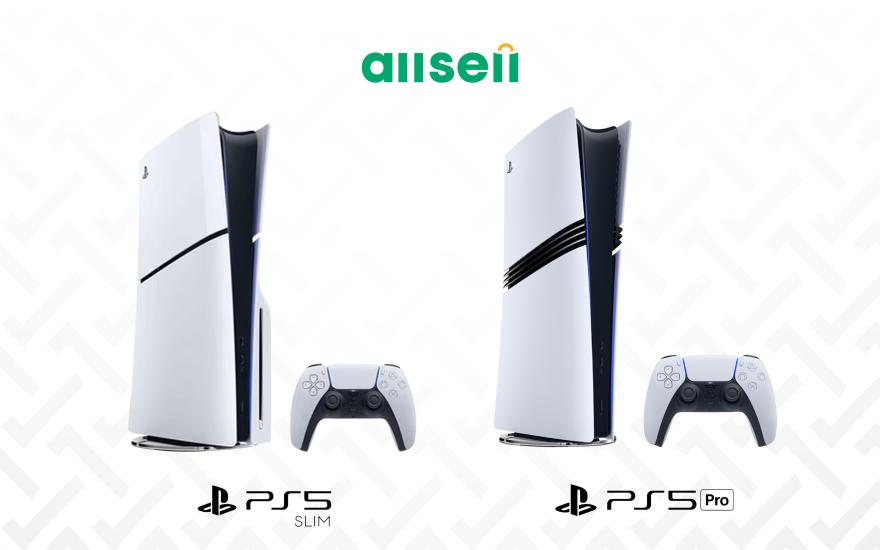
Comparison of all PS5 models
06.10.2025
AllSell
Comparison of all PS5 models
Are you a fan of digital games, want to buy a Playstation, but aren't sure which model to choose? Read this guide
-
 01.12.2025
AllSell
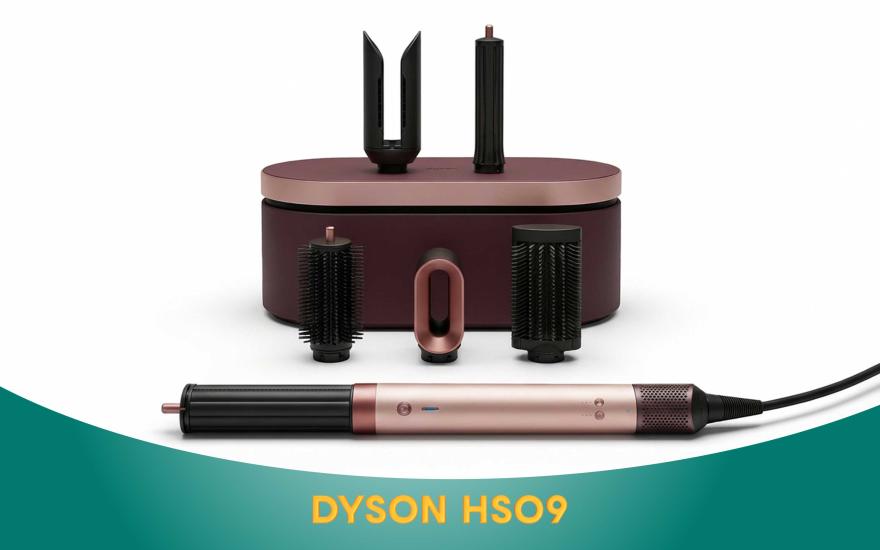
Dyson AirWrap HS09: A scientific approach to hair care
01.12.2025
AllSell
Dyson AirWrap HS09: A scientific approach to hair care
When you buy the Dyson Airwrap HS09, you get a hair dryer, straightener, and styler all in one. This is not only a three-in-one hair dryer, but also personalized care technology. Details on the blog
-
 26.11.2025
AllSell
AirPods generations and their differences
26.11.2025
AllSell
AirPods generations and their differences
There are different models of AirPods headphones and it can be difficult to make a choice if you don't know their differences. In this article, we will present all generations of Apple wireless headphones, their differences, so that you can choose the option that suits you best.
-
 16.10.2025
AllSell
Instax Mini 12: The magic of instant printing
16.10.2025
AllSell
Instax Mini 12: The magic of instant printing
The Instax Mini 12 camera entices with its instant printing capabilities. It seems like you just press a button and that's it. However, the Mini 12 is quite finicky and has its own set of features. Read more...
-
 12.09.2025
AllSell
Marshall speakers: classic design, powerful sound
12.09.2025
AllSell
Marshall speakers: classic design, powerful sound
The legendary Marshall speakers seem to be similar, but each one has its own characteristics. Different generations of Marshall speakers in one place. Read more