

 03.11.2025
AllSell
03.11.2025
AllSell
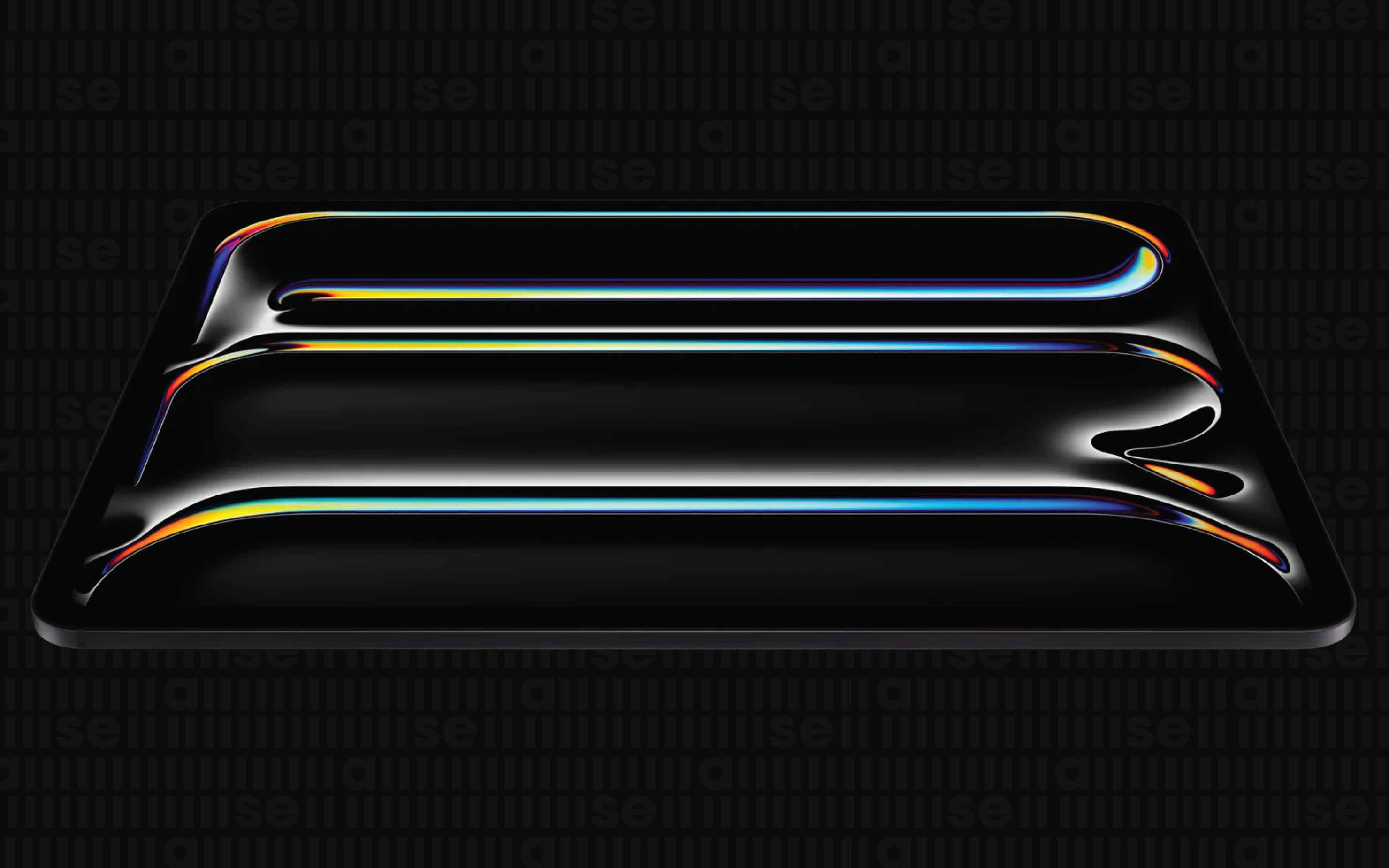
How to choose a tablet?
A tablet is more comfortable for reading, playing games, and watching videos than a phone. It's also lighter than a laptop and can replace it in many ways. Here are some tips to help you make the right choice.
There are a variety of tablet models available today, from dozens of different manufacturers.
If all you want to do with your tablet is browse the web, check email, or watch movies and other streaming content, then almost any tablet (or, for that matter, any smartphone) will probably do the trick. However, when you think about how you plan to use your tablet, it can be easier to narrow down the options. Your answers to these questions can help you decide on everything from the best operating system to the ideal screen size.
Operating System
Tablets come with Android, iPadOS, and Windows operating systems. To avoid compatibility issues and make your device easier to use, choose the same operating system as your smartphone. So, Apple is worth considering if you have, for example, an iMac computer or other devices from the company and want to use familiar apps on your tablet. Once you've decided on an operating system, your list of choices starts to feel a little more manageable.
iPadOS: integrated into the Apple ecosystem (iPhone, iMac, iCloud). If you already have Apple devices, this is a big advantage. You will find many applications for your Apple tablet in the App Store. Another important advantage is that Apple tablets receive system updates for a long time.
Android: If you choose this OS, you will be presented with a wide range of Android tablets: different manufacturers, different price ranges. Availability of numerous widgets, themes. Memory expansion options with a MicroSD card.
Windows: if you want to use your tablet as a laptop, with Office applications and a full web environment, this is the best option.
Screen
Tablets range in size from 7 to 13.3 inches. Large screens are comfortable for working and watching videos, while small screens fit easily in a bag. If you are considering a graphics tablet, pay attention to the resolution - the higher it is, the sharper the image will be. For example, a Full HD (1920x1080, 1920x1200) resolution is suitable for a 9-10 inch screen. However, keep in mind that tablets with higher resolutions are usually more expensive and drain the battery faster.
The most common screen version for tablets is IPS. It offers realistic color reproduction and wide viewing angles - the image remains unchanged no matter how you tilt the tablet.
Some models have a Super AMOLED screen. It offers rich, deep colors, high contrast, uses less power and is more expensive than IPS.
TN and TFT screens are also available. They are generally inexpensive, but are suitable, mainly, only for reading.
Glass also serves as a protective layer. If you often travel with your tablet, consider the ultra-strong Corning Gorilla Glass or Dragontrail.
Power
The type of processor and the amount of RAM affect the performance of a tablet. The more cores and the higher its frequency, the faster the tablet, and the more RAM, the more applications it can run simultaneously. 1 GB of RAM is enough for calling friends and reading the news, but to play PUBG or World of Tanks, you will need at least 2 GB.
Memory
The amount of storage determines how many apps, photos, documents, movies, and music you can store on your tablet. The smaller the memory, the more often you will have to clean the tablet. The available memory differs from the number indicated in the technical specifications; the system usually occupies about 3-4 GB of memory.
A tablet with up to 16 GB of main memory is suitable for reading and browsing the Internet. A volume of 16-32 GB is suitable for 2-3 photo albums, music, social networks, banking applications, navigation and simple games. A memory of 64 GB and more is suitable for active photography, video shooting, storing movies and installing any games. You can save money by choosing a tablet with a smaller amount of memory, for example, 16 GB, and a microSD card slot. Just consider the limitations of the maximum card size.
Wireless connection
Most tablets have built-in Wi-Fi. You can use it either over Wi-Fi or by using your smartphone as a mobile hotspot (available on the latest models).
Some tablets include mobile broadband, either 3G or 4G (but this means subscribing to a separate plan). 3G and 4G are useful if you often use your tablet on the road. If you like hiking or live in the countryside, consider models with GPS, A-GPS, and GLONASS support. Some tablets even have dual SIM slots. This is useful for scaling different data and cellular plans and saving money while traveling.
Battery
The higher the battery capacity, the better. However, you will not always find this parameter in the technical specifications, since many factors affect power consumption.
Instead of battery capacity, manufacturers often indicate the approximate battery life. This is also approximate, since tests are carried out in laboratory conditions, but can be useful. For example, if you spend a lot of time traveling, choose devices with a battery life of at least 7-8 hours. For a tablet used at home, a less powerful battery is better.
Hardware Connections
While connections are an important factor for computers and laptops, they are less important for tablets, many of which use a combination of Wi-Fi, Bluetooth, and apps to store and transfer data. Apple tablets have few hardware connections, although some devices can connect to the tablet's dock connector using adapters or wirelessly using specially designed devices. Android tablets usually offer a greater variety of hardware connections, with USB connectors, HDMI output, or memory card slots for additional storage being common.
In addition to the cost of the tablet, you should consider the cost of any accessories or components that you may need to use your tablet the way you want. Also, don't forget that 3G and 4G access usually requires a monthly wireless data plan, which in some cases requires a long-term contract. Think about any apps or software that you may need to purchase. Find out how long your tablet's warranty is, as well as what's included and what's not. Finally, it's worth checking out online reviews from an objective source to see how your favorite tablet performs in terms of reliability and durability.
Last news
-
 06.10.2025
AllSell
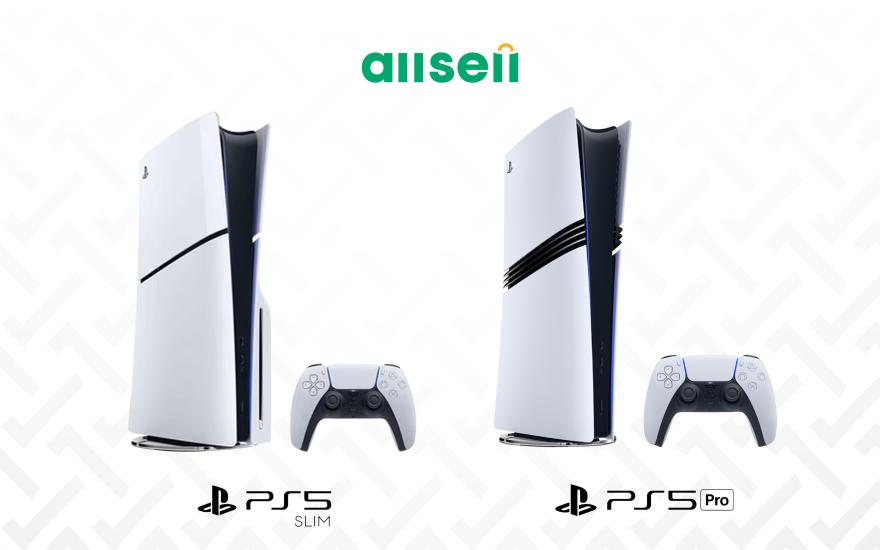
Comparison of all PS5 models
06.10.2025
AllSell
Comparison of all PS5 models
Are you a fan of digital games, want to buy a Playstation, but aren't sure which model to choose? Read this guide
-
 01.12.2025
AllSell
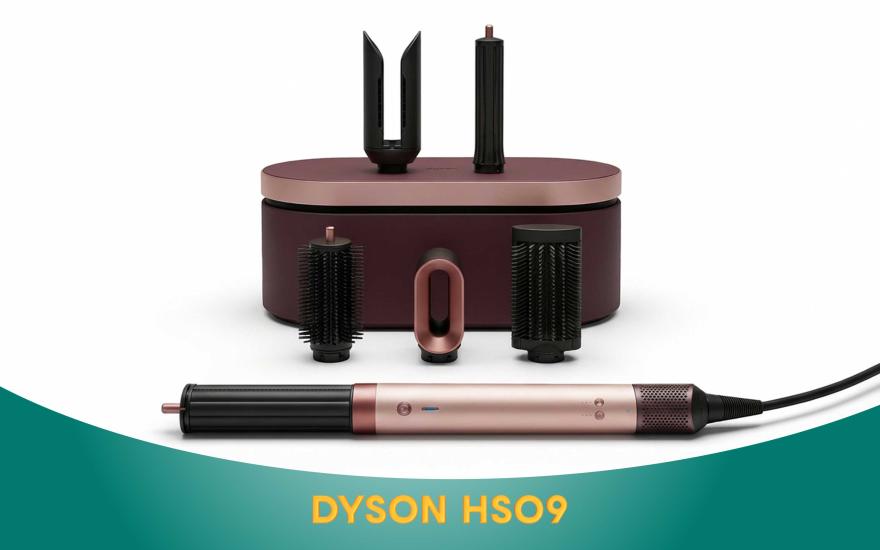
Dyson AirWrap HS09: A scientific approach to hair care
01.12.2025
AllSell
Dyson AirWrap HS09: A scientific approach to hair care
When you buy the Dyson Airwrap HS09, you get a hair dryer, straightener, and styler all in one. This is not only a three-in-one hair dryer, but also personalized care technology. Details on the blog
-
 26.11.2025
AllSell
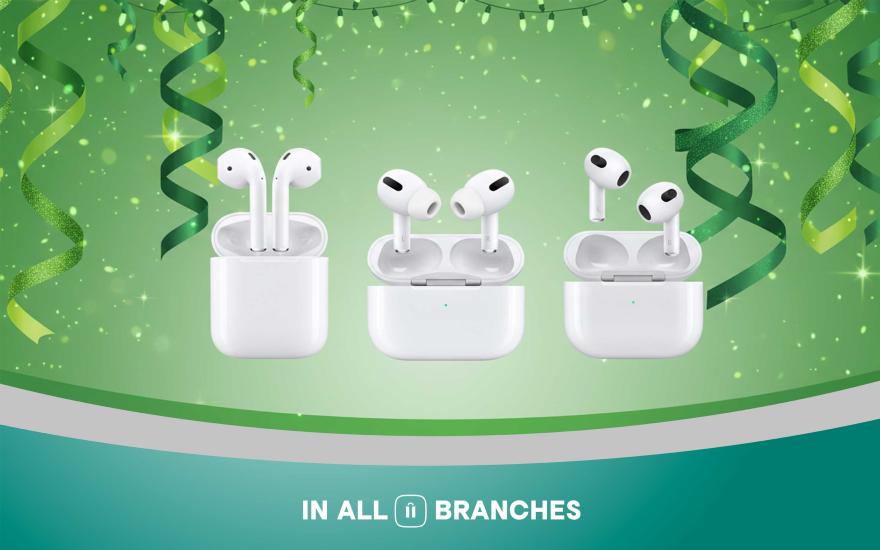
AirPods generations and their differences
26.11.2025
AllSell
AirPods generations and their differences
There are different models of AirPods headphones and it can be difficult to make a choice if you don't know their differences. In this article, we will present all generations of Apple wireless headphones, their differences, so that you can choose the option that suits you best.
-
 16.10.2025
AllSell
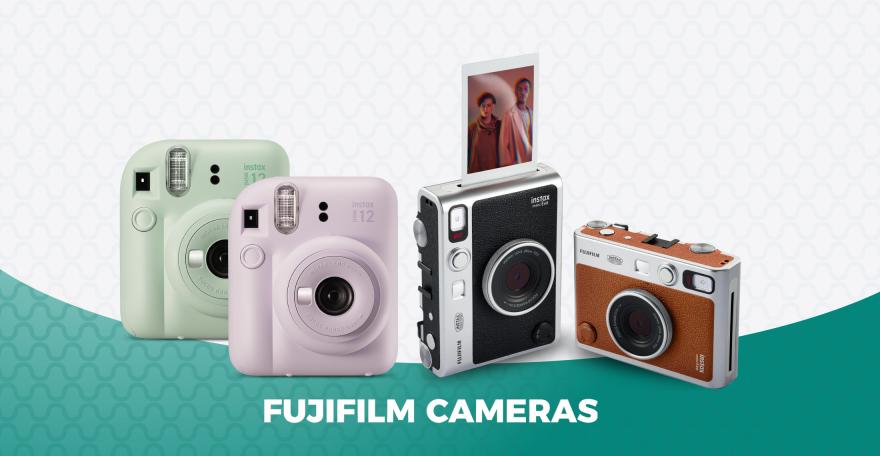
Instax Mini 12: The magic of instant printing
16.10.2025
AllSell
Instax Mini 12: The magic of instant printing
The Instax Mini 12 camera entices with its instant printing capabilities. It seems like you just press a button and that's it. However, the Mini 12 is quite finicky and has its own set of features. Read more...
-
 29.10.2025
AllSell
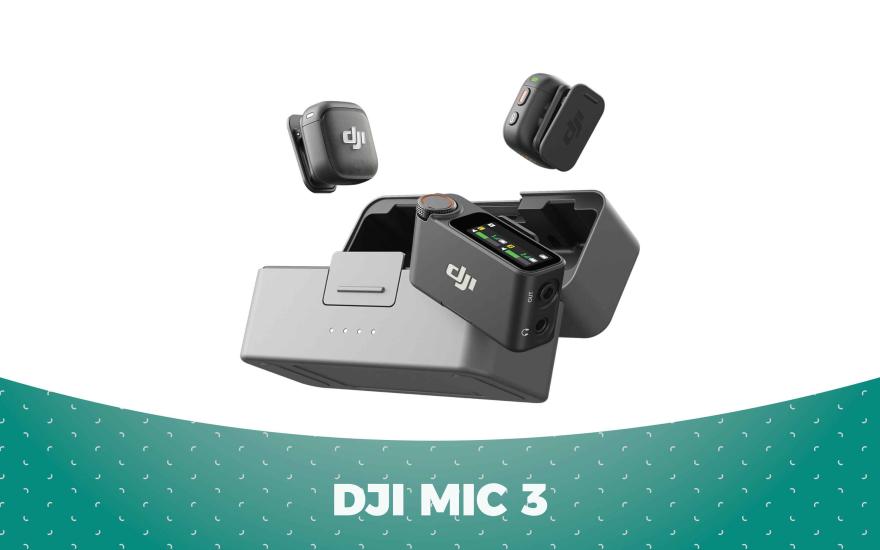
DJI Mic 3 microphone features
29.10.2025
AllSell
DJI Mic 3 microphone features
How to use DJI MIC 3 to ensure the best sound quality. Discover the microphone's features