


How to Choose a TV in 2026 ?: 7 Important Things to Know Before Buying
Choosing a TV today is not an easy task. There are so many models and technologies available that it can sometimes be difficult to understand which TV really meets your needs. OLED, QLED, Mini LED, 4K, HDR, 120Hz, HDMI 2.1 - all these terms are important, but relying only on technical specifications is not always enough to make the right choice.
If you are planning to buy a TV, it is important to determine in advance what type of content you will watch most often, how large the room is where the TV will be installed, and, of course, what your budget is. In this article, we’ll cover 7 important criteria that will help you navigate the wide range of TVs and choose a model that matches your needs, preferences, and budget.
Screen Technology
Screen Technology
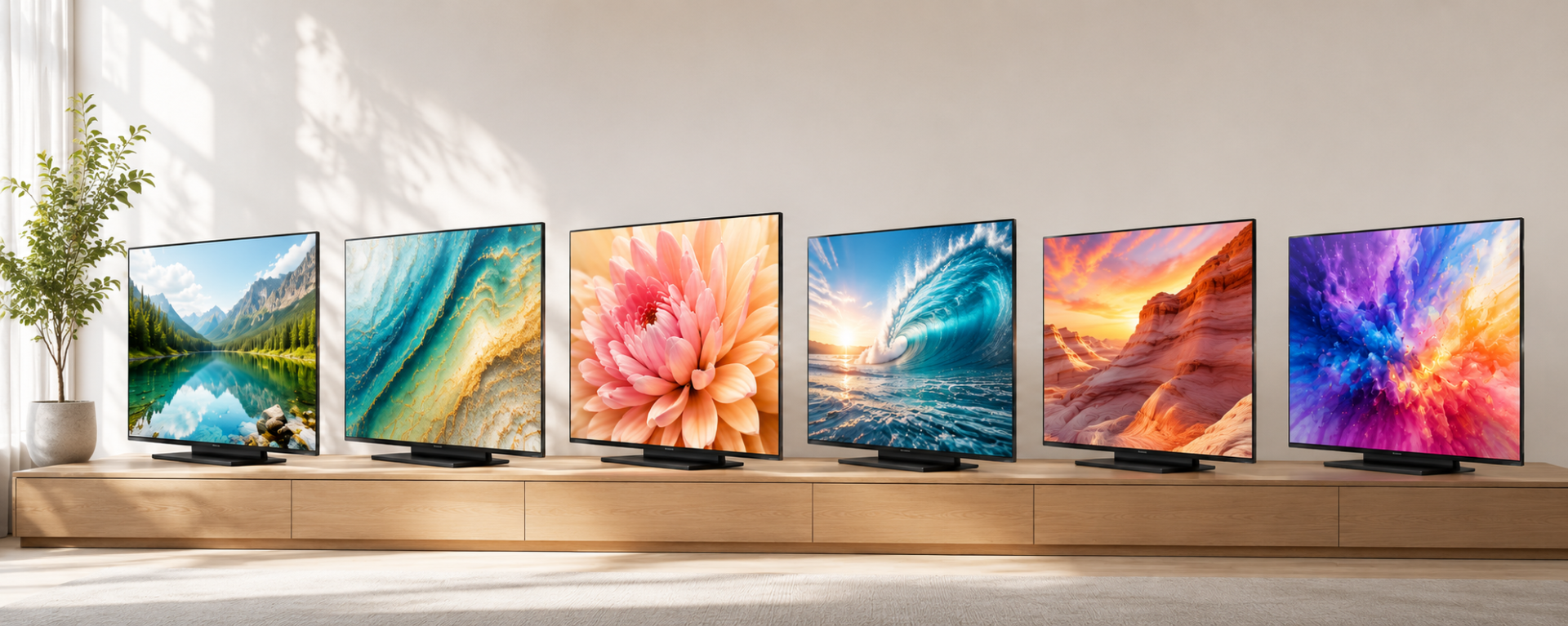
When choosing a TV, it is important to pay attention to the screen technology, as it affects contrast, brightness, color reproduction, and viewing angles. In 2026, the most common options include LED/LCD, IPS LCD, QLED, NanoCell, Mini LED, OLED, and QD-OLED.
LED/LCD
Most LED TVs use LCD screens with LED backlighting. An LED TV is one of the most common and affordable options, suitable for everyday viewing, YouTube, and streaming services.
IPS LCD
IPS is a type of LCD panel whose main advantage is its wide viewing angles. An IPS LCD TV is a good choice when the TV is viewed from different positions in the room, for example, by a group of people.
QLED
QLED is a technology used in LCD/LED TVs that incorporates a Quantum Dot layer to improve color reproduction and brightness. A QLED TV can deliver bright, vibrant colors and good brightness, often at a more affordable price than OLED. However, QLED TVs can vary significantly in picture quality, so it is important to consider the brightness, contrast, HDR support, and other specifications of the specific model.
NanoCell
NanoCell is a technology used in LCD/LED TVs to improve color clarity and accuracy. If you want high-quality picture performance within the LCD technology range, consider a NanoCell TV.
Mini LED
Mini LED is a more advanced backlighting system for LCD TVs that uses a large number of smaller LEDs and local dimming zones. This allows the TV to control the brightness of different areas of the screen more precisely, providing high brightness, good contrast, and effective HDR performance.
OLED
In OLED TVs, each pixel can light up independently and turn off completely. As a result, OLED provides deep blacks, high contrast, and wide viewing angles. This technology is particularly well suited for watching movies, TV shows, and playing games.
QD-OLED
QD-OLED combines self-emitting OLED pixels with Quantum Dot technology. It retains OLED's deep blacks and high contrast while delivering very bright and vibrant colors. QD-OLED is mainly found in premium TVs.
So, Which Screen Technology Should You Choose?
The right choice depends on your needs and viewing conditions:
-
For the best overall picture quality — OLED or QD-OLED
-
For movies and viewing in a dark room — OLED / QD-OLED
-
For bright rooms and high brightness — Mini LED
-
For vibrant colors and a good price-to-performance ratio — QLED
-
For wide viewing angles — IPS LCD or suitable NanoCell models
-
For a more affordable and versatile option — LED/LCD
It is important to remember that TVs using the same screen technology can still differ significantly in picture quality. Therefore, when choosing a TV, consider not only the OLED, QLED, or Mini LED label, but also brightness, contrast, HDR capabilities, and other technical specifications.
How to Choose the Right TV Size?
A bigger TV does not always mean a better choice — it is important to consider the distance from which you will usually watch the screen. For example, a 98-inch TV may be too large for a small room. On the other hand, a 43-inch model may look too small in a spacious living room and may not provide the viewing experience you want.
When choosing the right TV size, the main question is: how far will you be sitting from the screen? The greater the viewing distance, the larger the TV you can choose. For example, if the distance between the TV and the sofa is around 1.5–2 meters, you can consider models with a screen size of 43–55 inches. At a distance of around 2–2.5 meters, 55–65-inch TVs may be more suitable. If the distance is 2.5–3 meters or more, you can consider a 65–75-inch TV or an even larger screen.
To make it easier to choose:
-
1.5–2 m → 43–55 inches
-
2–2.5 m → 55–65 inches
-
2.5–3 m → 65–75 inches
-
3 m and more → 75–85+ inches
In addition to the viewing distance, consider where you plan to install the TV. Measure the width of the wall or TV stand, and make sure that the TV’s height and width are suitable for the available space.
Another important detail is that TV size is measured in inches and refers to the screen diagonal — from one corner to the opposite corner. Therefore, the easiest way to choose the right TV size is to first determine the viewing distance, then choose the appropriate screen size, and finally make sure that the TV will fit comfortably in the intended space.
4K or 8K: Which Resolution Should You Choose?
Screen resolution is one of the important criteria to consider when choosing a TV. In 2026, 4K Ultra HD is one of the main standards for modern TVs. A 4K screen has a resolution of 3840 × 2160 pixels, which means more than 8 million pixels, and provides a more detailed and sharper image compared with Full HD.
However, the “4K” label alone does not mean that a TV will deliver the best picture quality. Two 4K models can differ significantly depending on the screen technology, brightness, contrast, HDR support, refresh rate, and image processing processor. Therefore, when choosing a TV, it is important to consider not only the resolution but also other technical specifications.
What Is 8K?
8K has a resolution of 7680 × 4320 pixels — around 33 million pixels. It provides even greater image detail, but in 2026, 8K content is still limited, and such TVs are usually more expensive.
For most users, a 4K TV remains a more practical choice thanks to the wide availability of 4K content, the large selection of models, and more affordable prices. 8K is primarily worth considering for large screens and for users who want the highest possible level of image detail.
Simply put, if you want good picture quality and an optimal price-to-performance ratio, choose a high-quality 4K TV.
HDR: Brighter and More Detailed Images
HDR (High Dynamic Range) is a technology that allows a TV to display a wider range of brightness and colors. This helps preserve more detail in dark scenes, while bright areas can look more vivid and natural. Modern TVs support several main HDR formats, including HDR10, HDR10+, Dolby Vision, and HLG. If you frequently watch Netflix, Disney+, Apple TV+, or other HDR content, HDR support can significantly improve your viewing experience.
It is important to understand that HDR support alone does not determine picture quality. HDR performance should be considered together with the TV’s screen technology, brightness, and contrast. For example, an OLED TV can have an advantage when displaying HDR content thanks to its deep blacks and high contrast, while Mini LED can offer an advantage through higher brightness and local dimming.
Therefore, when choosing a TV, pay attention not only to the supported HDR formats but also to the screen technology used in the specific model and its overall capabilities.
Smart TV and Sound Matter Too
A modern TV is more than just a screen. It is also a Smart TV device that allows you to use streaming services, YouTube, apps, and other online services.
Different manufacturers use different operating systems and platforms, such as Google TV, Tizen, and webOS.
When choosing a TV, pay attention to:
-
availability of the apps you need;
-
ease of use of the interface;
-
performance and responsiveness;
-
Wi-Fi and Bluetooth capabilities;
-
voice control.
Don’t Forget About Sound
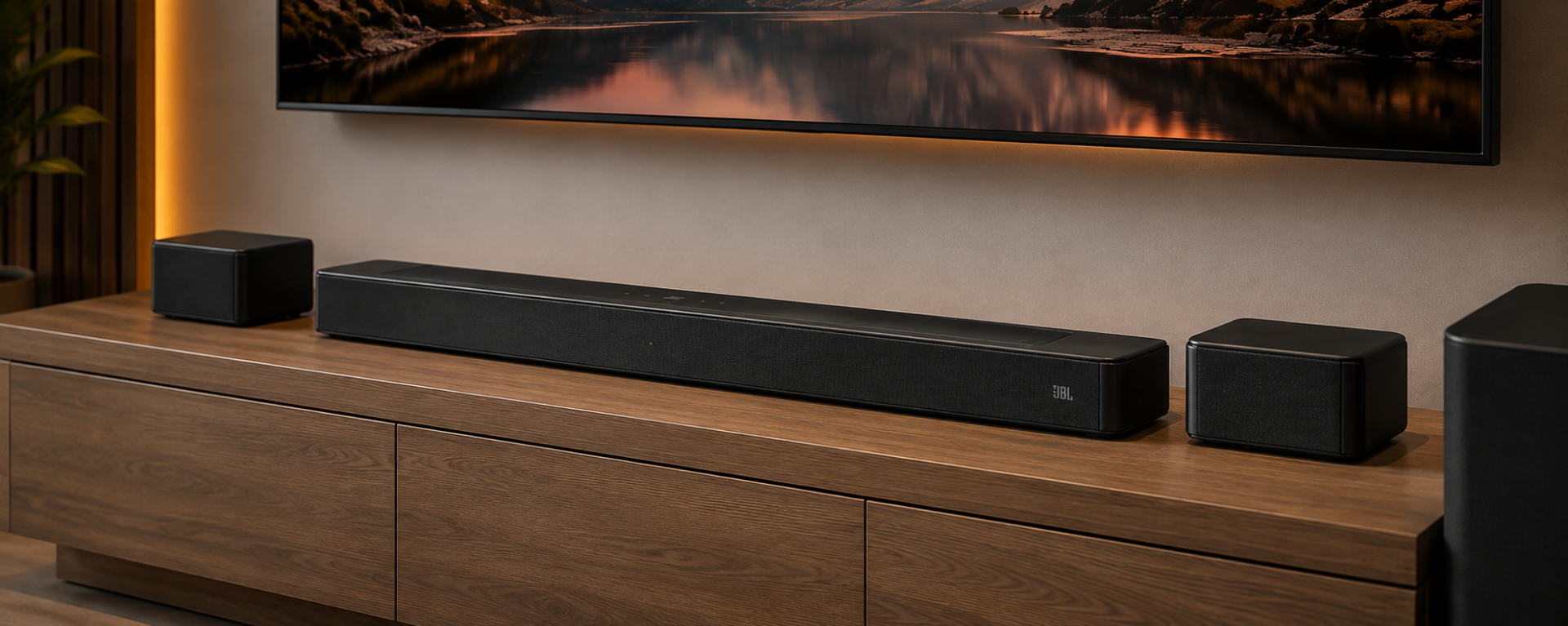
Many slim TVs have limited built-in speaker capabilities. If you enjoy watching movies and want a more immersive sound experience similar to a cinema, you can additionally purchase a home audio system.
Screen Refresh Rate
When choosing a TV, it is important to pay attention to the screen refresh rate. The refresh rate shows how many times per second the image on the screen is refreshed. It is measured in Hz (hertz).
The higher the refresh rate, the smoother moving objects can appear on the screen. This is especially noticeable when watching sports, movies with fast-paced scenes, and playing video games.
60Hz: For Everyday Use
A 60Hz TV is sufficient for watching TV channels, YouTube, movies, and TV shows. If you plan to use your TV mainly for everyday entertainment, a 60Hz model can fully meet your needs.
120Hz: Smoother Motion
A 120Hz TV is a better choice for those who frequently watch sports, fast-paced content, or play games on a console such as Sony PlayStation. A higher refresh rate provides smoother motion and a more comfortable gaming experience.
144Hz and Higher: For Gaming
TVs with a refresh rate of 144Hz or higher are especially interesting for PC gamers, as they can provide smoother gameplay when paired with a suitable computer.
If you plan to use your TV with a PlayStation 5 or Xbox Series X, a 120Hz refresh rate alone is not enough. It is also important to check for HDMI 2.1, 4K/120Hz, VRR, and ALLM support.
VRR (Variable Refresh Rate) allows the TV to adjust its refresh rate to match the current frame rate of the game. This can make motion appear smoother and help reduce screen tearing during gameplay.
HDMI 2.1 Is Especially Important for Gamers
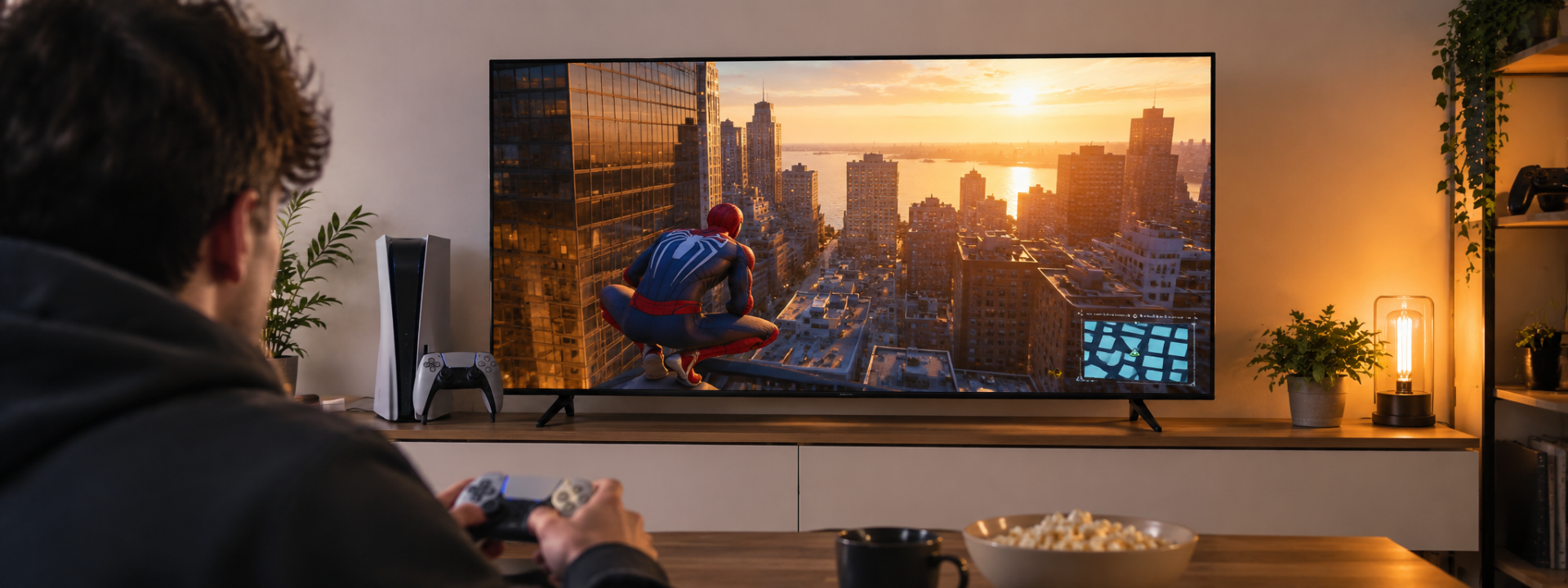
If you plan to use your TV with a gaming console or a powerful PC, be sure to check the specifications of its HDMI ports. HDMI 2.1 supports features that require high bandwidth, including 4K gaming at 120Hz.
Also, look for support for VRR, ALLM, 4K/120Hz, and low input lag. These features are not essential for watching movies and TV shows, but they can make a significant difference to the gaming experience.
Conclusion
In 2026, the “best TV” does not necessarily have to be the most expensive one. Simply pay attention to the following features:
-
Screen technology — OLED / QLED / Mini LED / LED
-
The right size — based on the room and viewing distance
-
4K resolution
-
HDR support
-
Refresh rate — 60Hz / 120Hz / 144Hz
-
HDMI 2.1, VRR, and ALLM — if you plan to game
-
Smart TV platform and sound capabilities
Most importantly, choose a TV not only based on the brand or screen size, but according to how you plan to use it.
Last news
-
 06.10.2025
AllSell
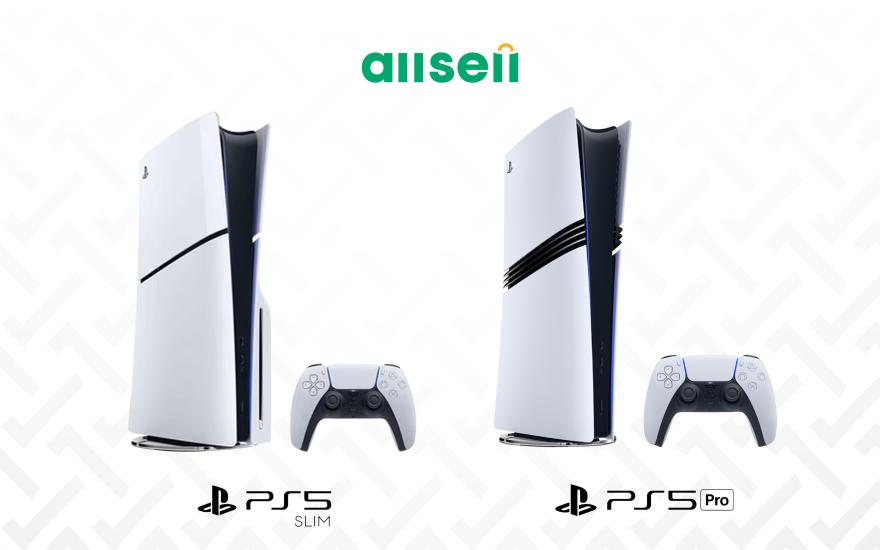
Comparison of all PS5 models
06.10.2025
AllSell
Comparison of all PS5 models
Are you a fan of digital games, want to buy a Playstation, but aren't sure which model to choose? Read this guide
-
 01.12.2025
AllSell
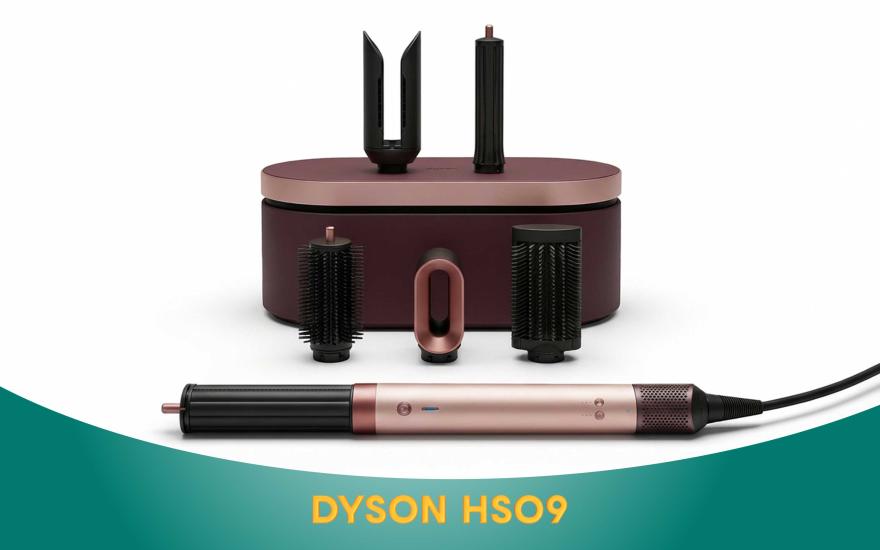
Dyson AirWrap HS09: A scientific approach to hair care
01.12.2025
AllSell
Dyson AirWrap HS09: A scientific approach to hair care
When you buy the Dyson Airwrap HS09, you get a hair dryer, straightener, and styler all in one. This is not only a three-in-one hair dryer, but also personalized care technology. Details on the blog
-
 26.11.2025
AllSell
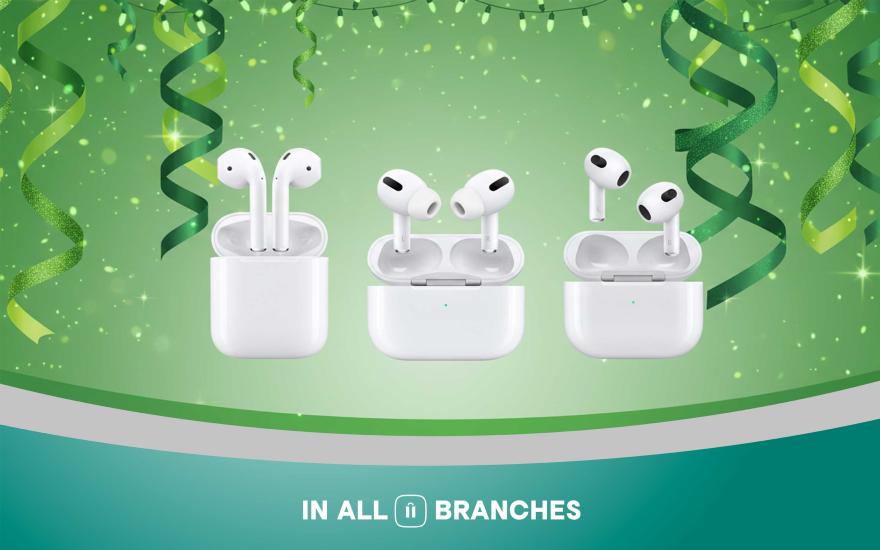
AirPods generations and their differences
26.11.2025
AllSell
AirPods generations and their differences
There are different models of AirPods headphones and it can be difficult to make a choice if you don't know their differences. In this article, we will present all generations of Apple wireless headphones, their differences, so that you can choose the option that suits you best.
-
 29.10.2025
AllSell
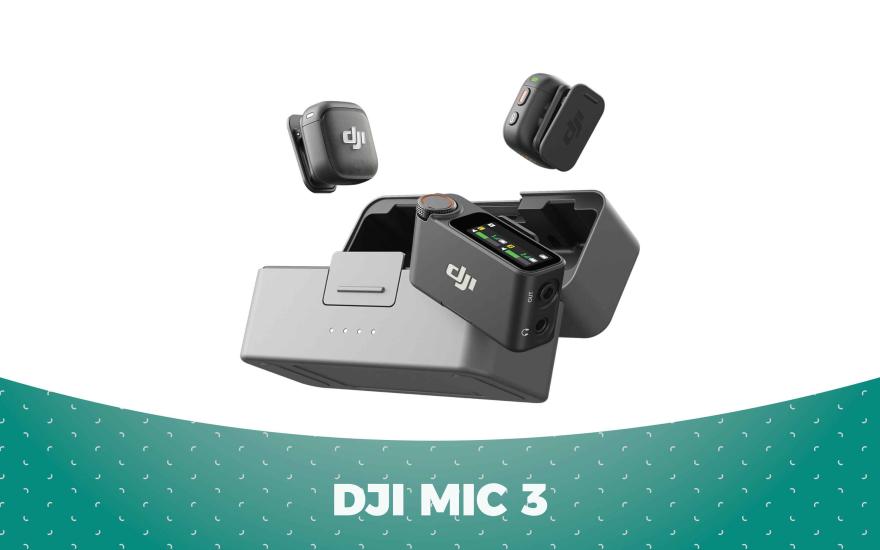
DJI Mic 3 microphone features
29.10.2025
AllSell
DJI Mic 3 microphone features
How to use DJI MIC 3 to ensure the best sound quality. Discover the microphone's features
-
 16.10.2025
AllSell
Instax Mini 12: The magic of instant printing
16.10.2025
AllSell
Instax Mini 12: The magic of instant printing
The Instax Mini 12 camera entices with its instant printing capabilities. It seems like you just press a button and that's it. However, the Mini 12 is quite finicky and has its own set of features. Read more...