


 22.10.2026
AllSell
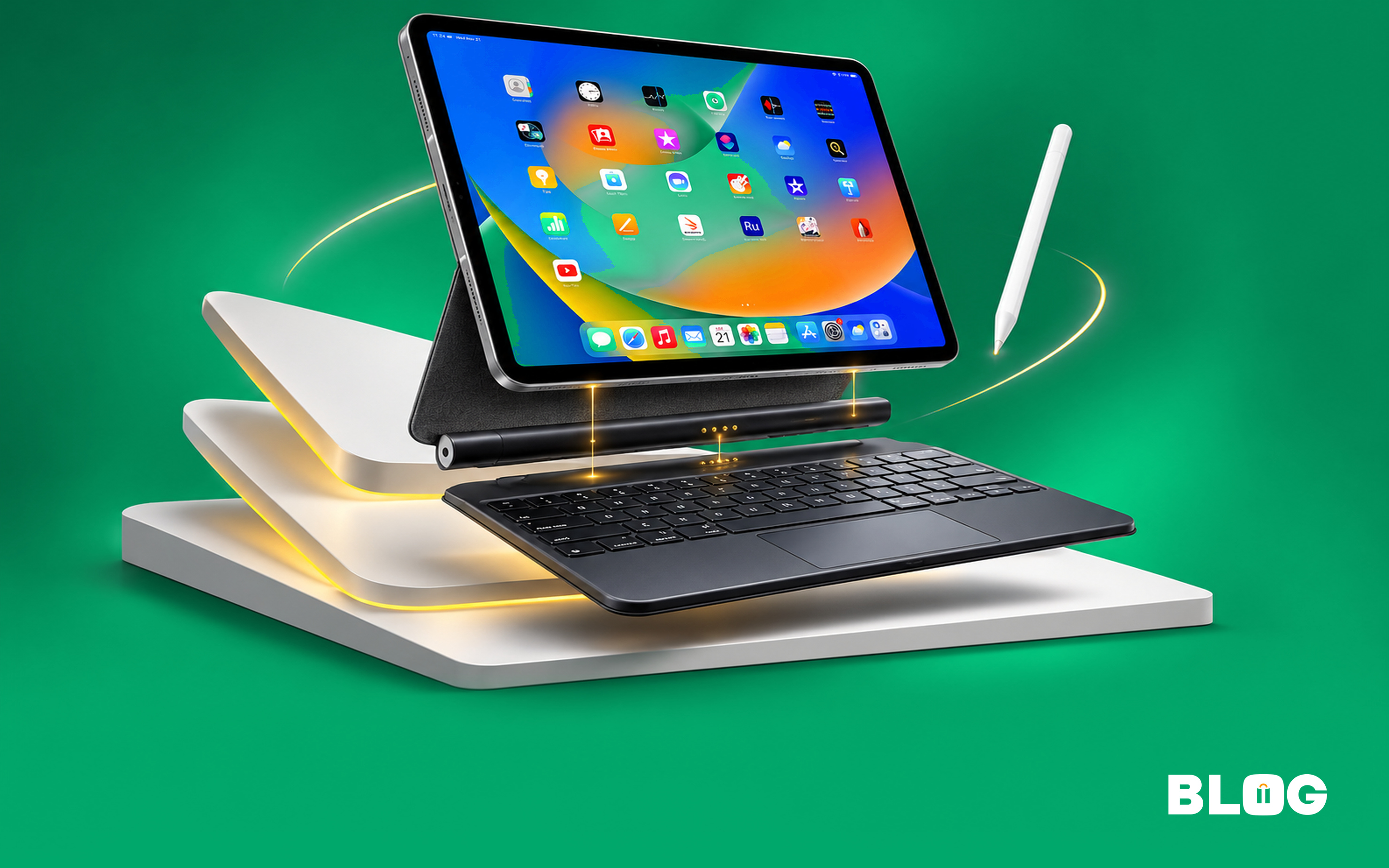
How to turn a tablet into a full-fledged laptop: A few simple steps
Imagine having a compact, lightweight tablet that you can take anywhere and use for work, studying, or everyday tasks. Modern tablets are powerful enough to handle many activities, and with a few carefully chosen accessories, your tablet can become a portable laptop alternative with expanded capabilities. Here are some practical tips to help you get more out of your tablet.
Choose a Keyboard for Comfortable Typing
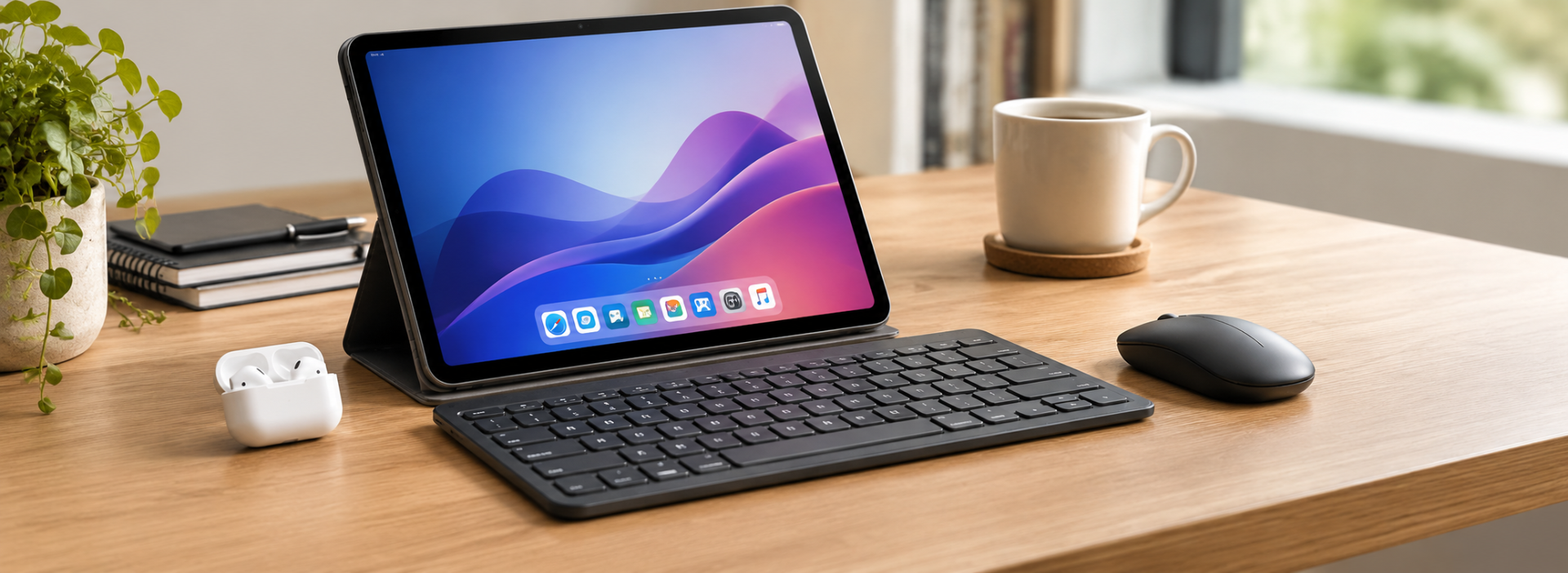
Typing long texts using a tablet's on-screen keyboard is not always convenient. An external keyboard makes writing and editing documents much easier. When choosing one, consider the key size, layout, connection type, and battery life. If you travel frequently, a compact Bluetooth keyboard is a convenient wireless option. If you use your tablet every day, consider a keyboard with a built-in stand.
Connect a Mouse and Use a Cursor
A computer mouse is particularly useful when you need to select text precisely, work with spreadsheets, or manage multiple open windows. Many Android tablets and iPad models support a Bluetooth mouse. Once connected, a cursor usually appears on the screen, allowing you to perform various actions depending on the operating system and app compatibility. A keyboard and mouse combo can make your tablet a more practical work device, especially for office tasks.
Find the Right Screen Position
Even the best keyboard and mouse cannot ensure comfortable working conditions if you have to hold your tablet all the time. That's why a tablet stand is a useful accessory. It allows you to position your tablet on a desk at a comfortable viewing angle. You can also choose a keyboard case that protects your device while keeping it securely positioned. If you work on your tablet for extended periods, pay attention to screen height, lighting, and posture. These factors can make your workspace more comfortable.
Use Your Tablet's Multitasking Features
To work efficiently, it's important to be able to use several apps at once. Many modern tablets offer split-screen mode, floating windows, and quick switching between applications.
For example, you can open a document on one side of the screen and a web browser on the other to research information while working. This is especially useful for students, professionals, and anyone who regularly works with multiple sources.
Some models also offer desktop modes that make the interface more similar to a computer environment. Availability depends on the device manufacturer and model.
Install Productivity Apps
Your tablet's ability to function as a laptop alternative largely depends on the software you use. The right apps can help you handle many everyday work tasks.
-
Documents and spreadsheets: Microsoft 365 and Google Docs.
-
File storage: Google Drive and Microsoft OneDrive.
-
Online meetings: Zoom and Google Meet.
-
Task management: Microsoft To Do and other planning apps.
-
Notes and ideas: OneNote and other compatible applications.
Before installing an app, check whether it supports your device and whether the features you need are available in its free version.
Organize File Storage and Access
When working on a tablet, it's important to find documents easily and access them across different devices. You can use cloud storage services or organize files in your device's internal memory.
If you work with large files or store photos and videos, pay attention to the tablet's storage capacity. You can also use compatible storage devices to manage your files and keep additional copies of important data.
Can a Tablet Replace Your Laptop?
A tablet can be a convenient alternative if you mainly work with documents, emails, web browsers, and online services. It's also useful for studying, reading, and traveling.
However, if your work requires specialized desktop software, advanced video editing, certain programming environments, or complex projects, a tablet may not be sufficient. Even with a keyboard and mouse, some apps may offer fewer features than their desktop versions. Before replacing your laptop, make sure the software you rely on every day works properly on your tablet.
Conclusion
You don't necessarily need to spend a lot of money to use your tablet like a laptop. An external keyboard, mouse, suitable stand, and the right productivity apps can significantly expand its capabilities.
The key is to choose a device and accessories that match your needs. A well-equipped tablet can become a convenient, portable work tool that helps you manage your studies, professional tasks, and everyday activities more efficiently.
Explore computer equipment and accessories at AllSell to find options that suit your needs.
Last news
-
 06.10.2025
AllSell
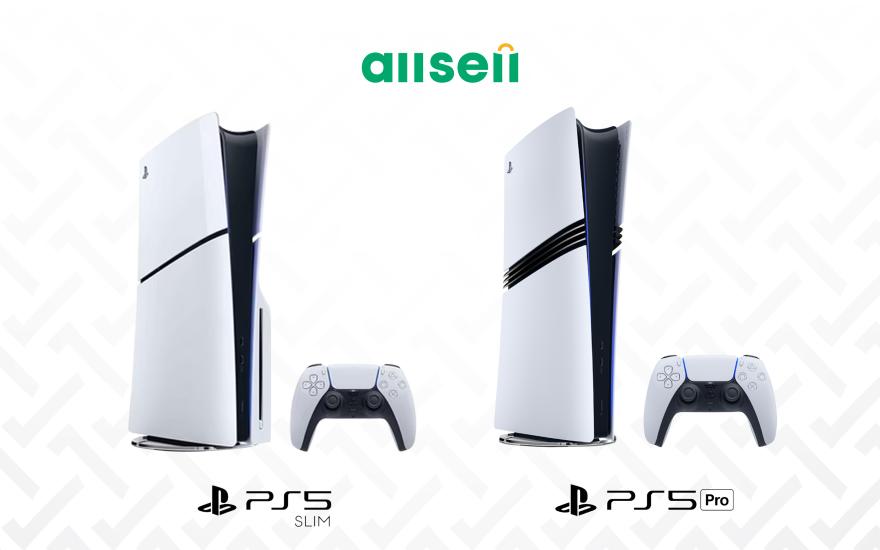
Comparison of all PS5 models
Are you a fan of digital games, want to buy a Playstation, but aren't sure which model to choose? Read this guide
-
 01.12.2025
AllSell
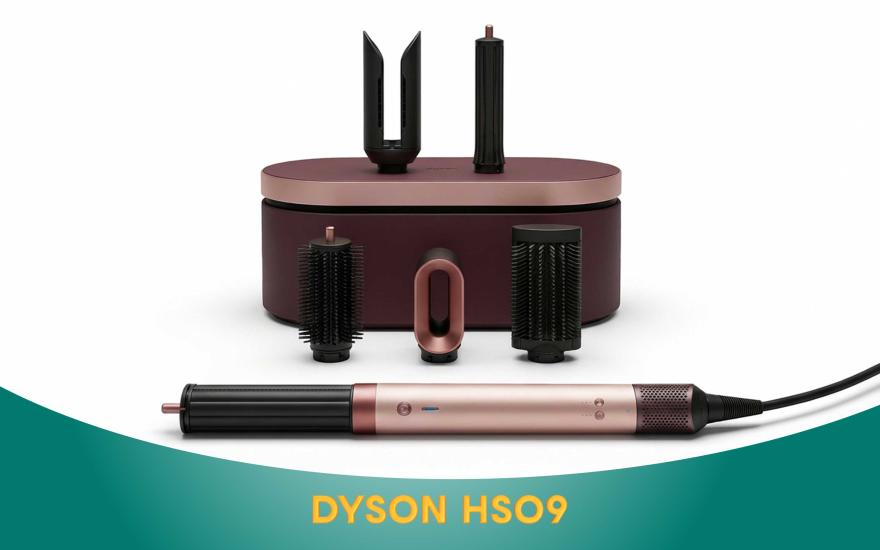
Dyson AirWrap HS09: A scientific approach to hair care
When you buy the Dyson Airwrap HS09, you get a hair dryer, straightener, and styler all in one. This is not only a three-in-one hair dryer, but also personalized care technology. Details on the blog
-
 26.11.2025
AllSell
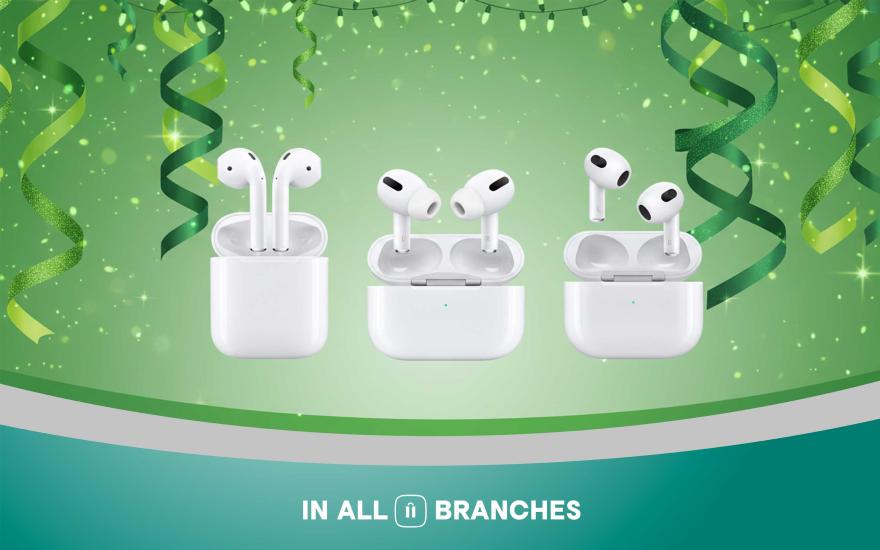
AirPods generations and their differences
There are different models of AirPods headphones and it can be difficult to make a choice if you don't know their differences. In this article, we will present all generations of Apple wireless headphones, their differences, so that you can choose the option that suits you best.
-
 29.10.2025
AllSell
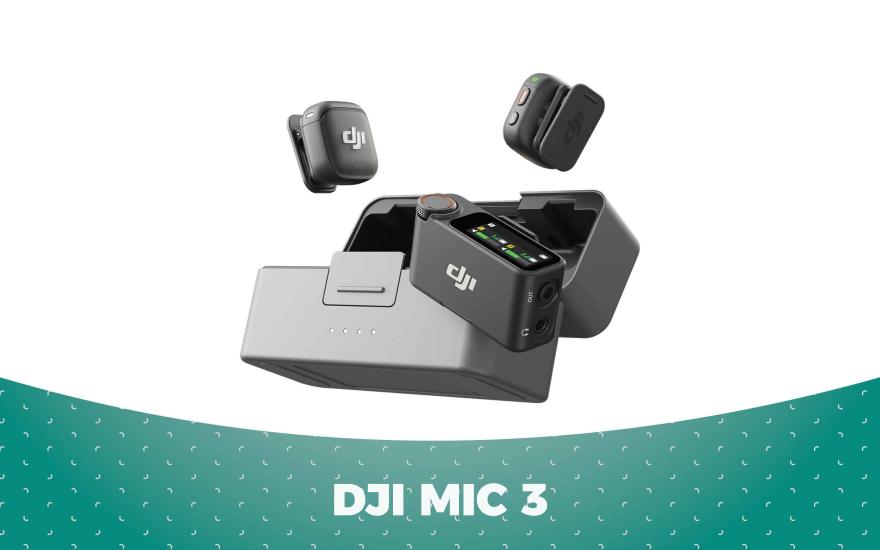
DJI Mic 3 microphone features
How to use DJI MIC 3 to ensure the best sound quality. Discover the microphone's features
-
 16.10.2025
AllSell
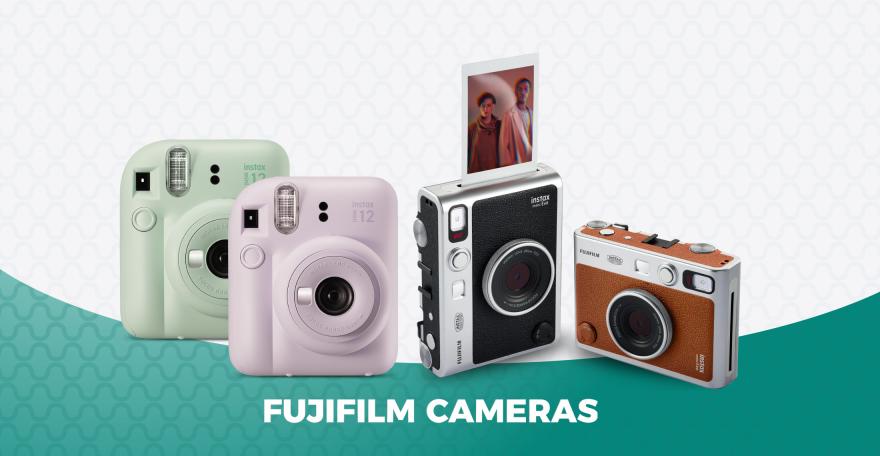
Instax Mini 12: The magic of instant printing
The Instax Mini 12 camera entices with its instant printing capabilities. It seems like you just press a button and that's it. However, the Mini 12 is quite finicky and has its own set of features. Read more...